
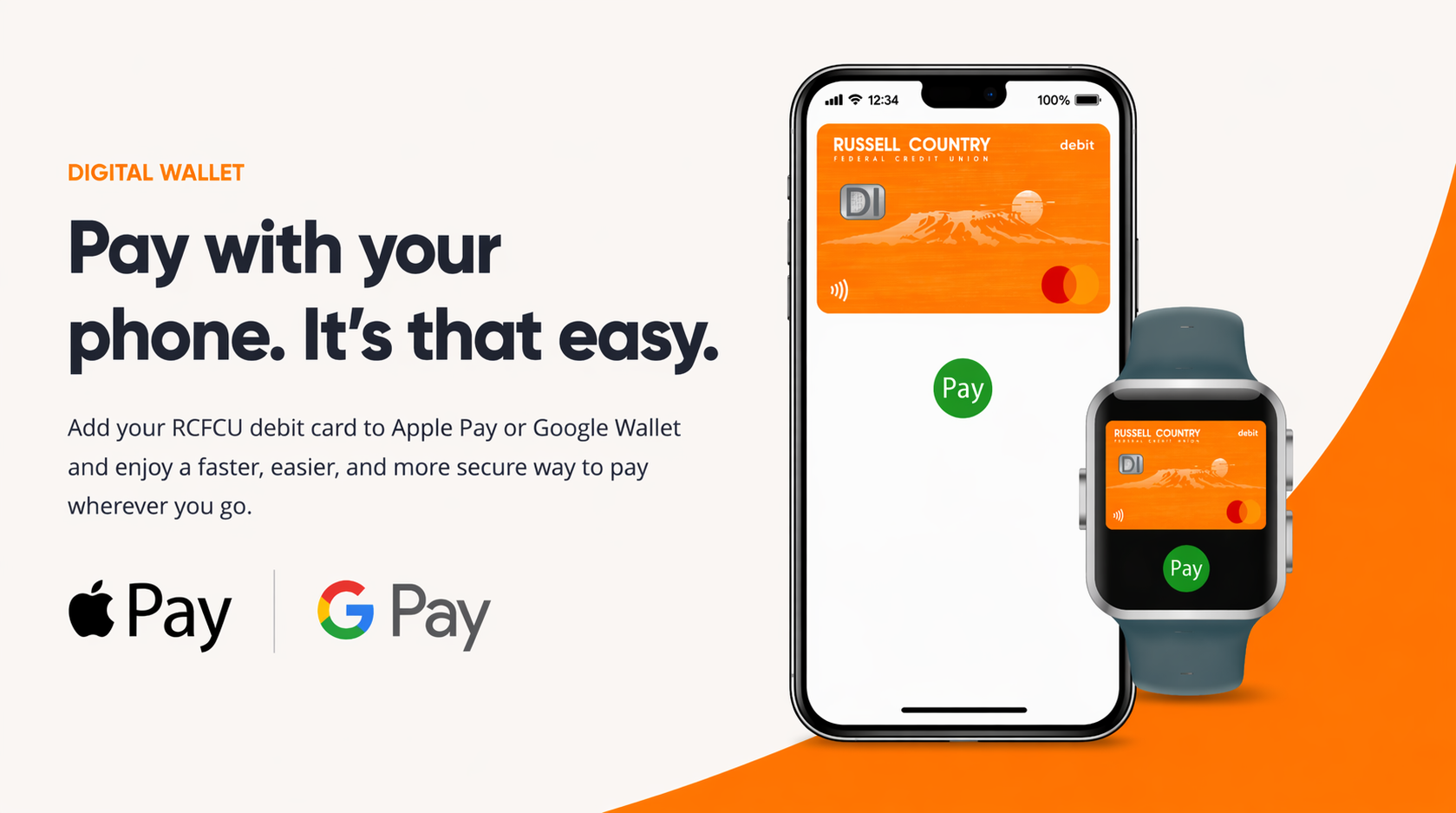
What is Digital Wallet?
Digital wallet lets you add your RCFCU debit card to your phone or watch so you can pay in stores, online, and in apps, without using your physical card.
 Convenient
Pay with the device you already carry every day.
Secure
Your card information isn’t shared with merchants when you pay.

Fast
Tap to pay and check out quickly.

Use your iPhone, Apple Watch, iPad, or Mac to make secure purchases in stores, online, and in apps. How to Add Your Card 1. Open the Wallet app 2. Tap the + (plus) sign 3. Select Debit or Credit Card 4. Follow the steps to add your RCFCU debit card
|

Use your Android phone or compatible device to make quick, secure purchases in stores, online, and in apps. How to Add Your Card 1. Open Google Wallet 2. Tap Add to Wallet 3. Select Payment Card 4. Follow the steps to add your RCFCU debit card
|
Need Help?
If you have questions about adding your RCFCU debit card to Apple Pay or Google Wallet, we’re happy to help. Call us at 406.761.2880